01
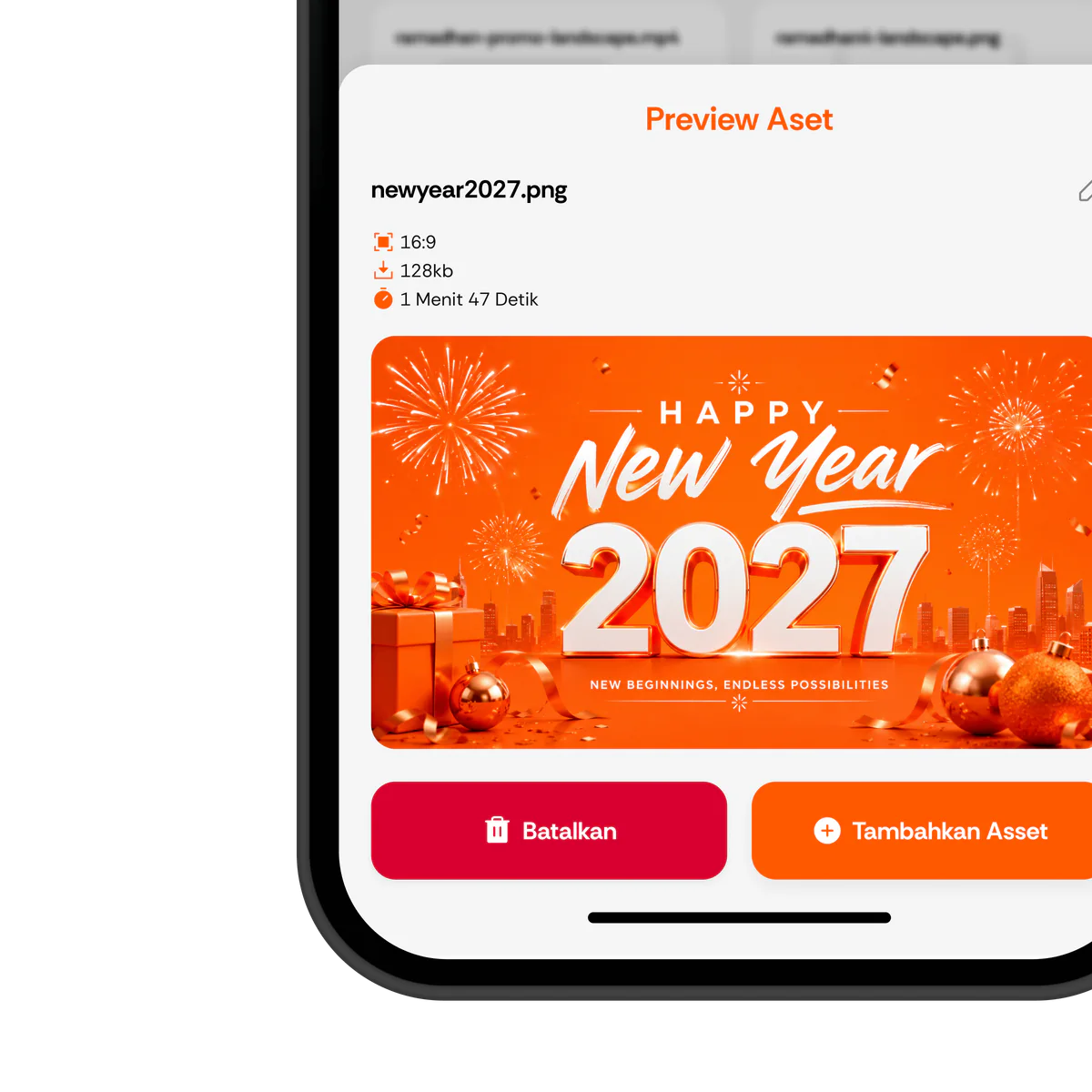
Upload Content
Store images, videos, and other content in a centralized media library.
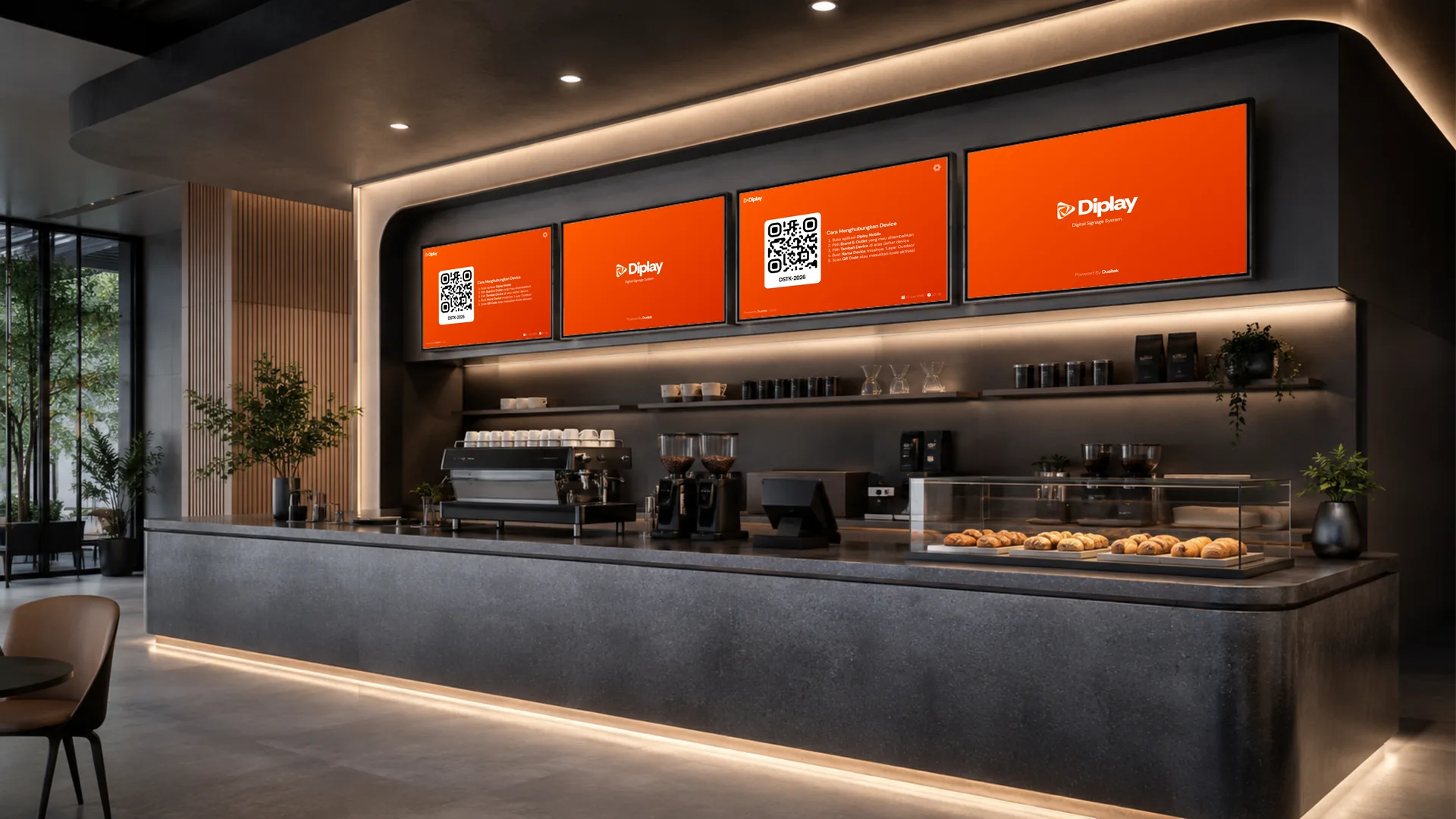
Digital Signage System
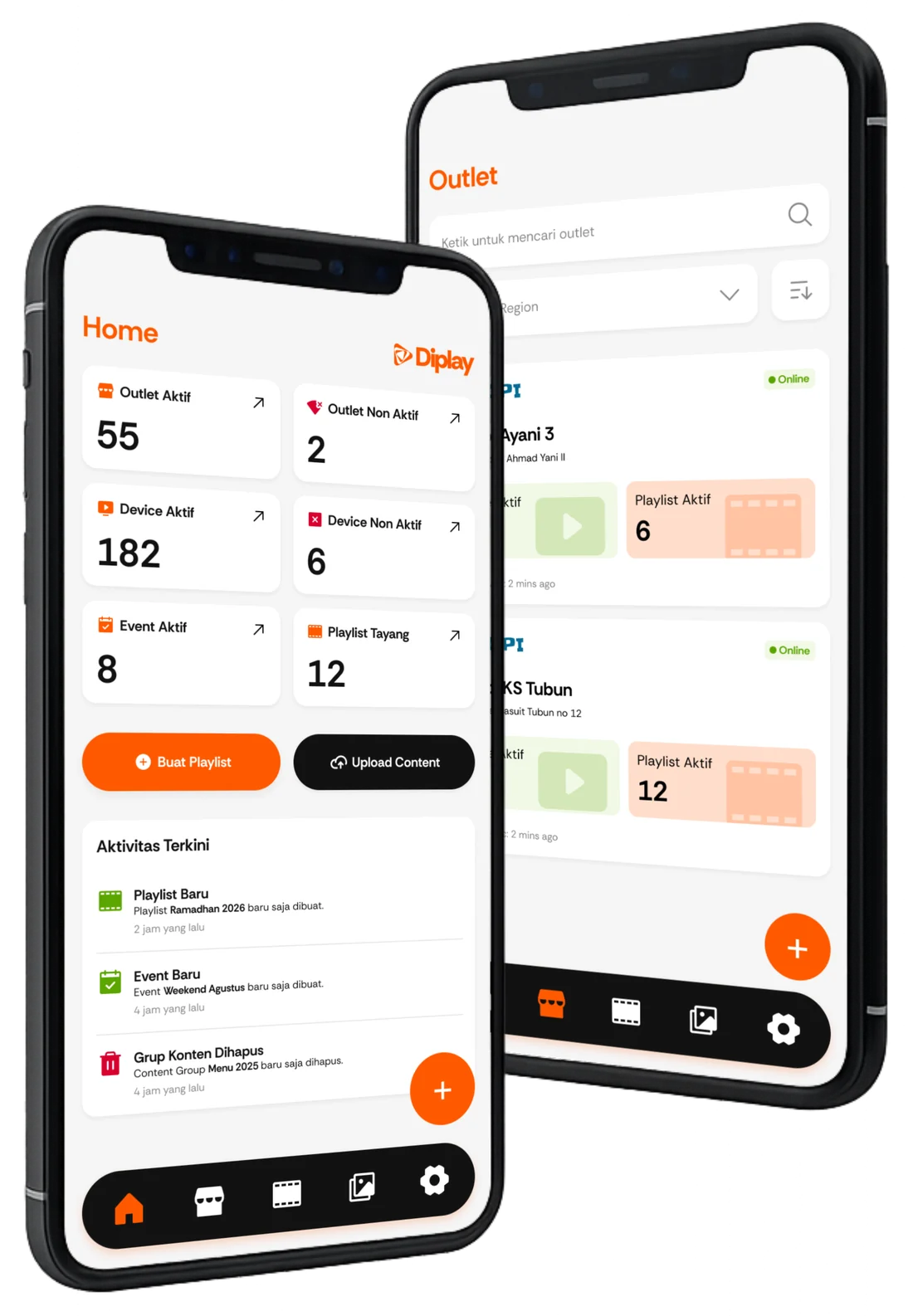
Upload media, create playlists, set schedules, and monitor your promotional content from the palm of your hand.
Simple Workflow
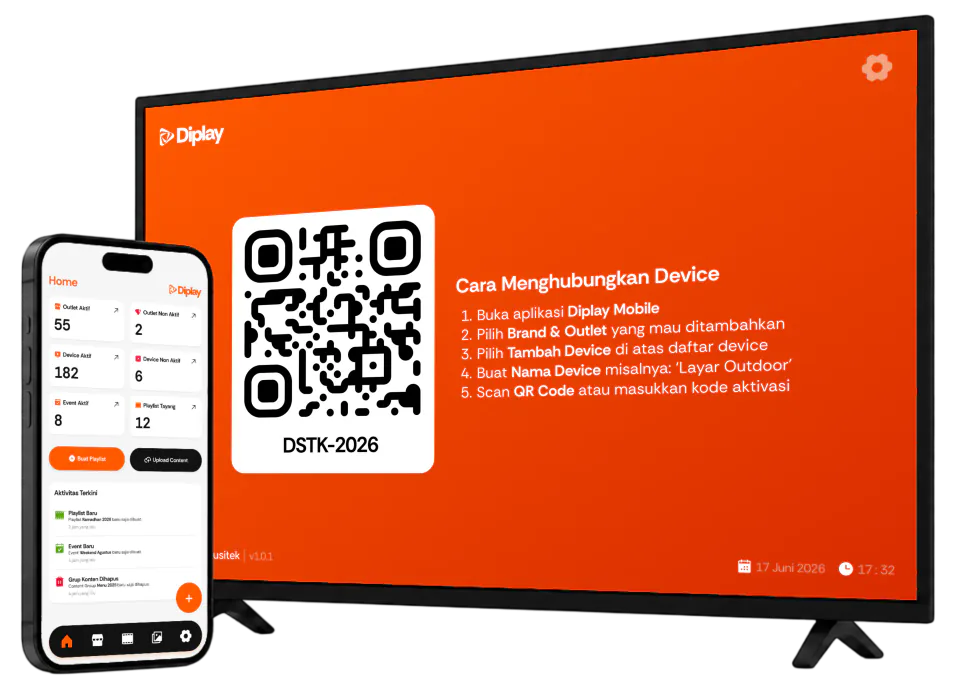
Diplay makes managing outlet promotions feel as easy as uploading an image to social media. Simply upload content, set the schedule, and monitor playback.
Store images, videos, and other content in a centralized media library.
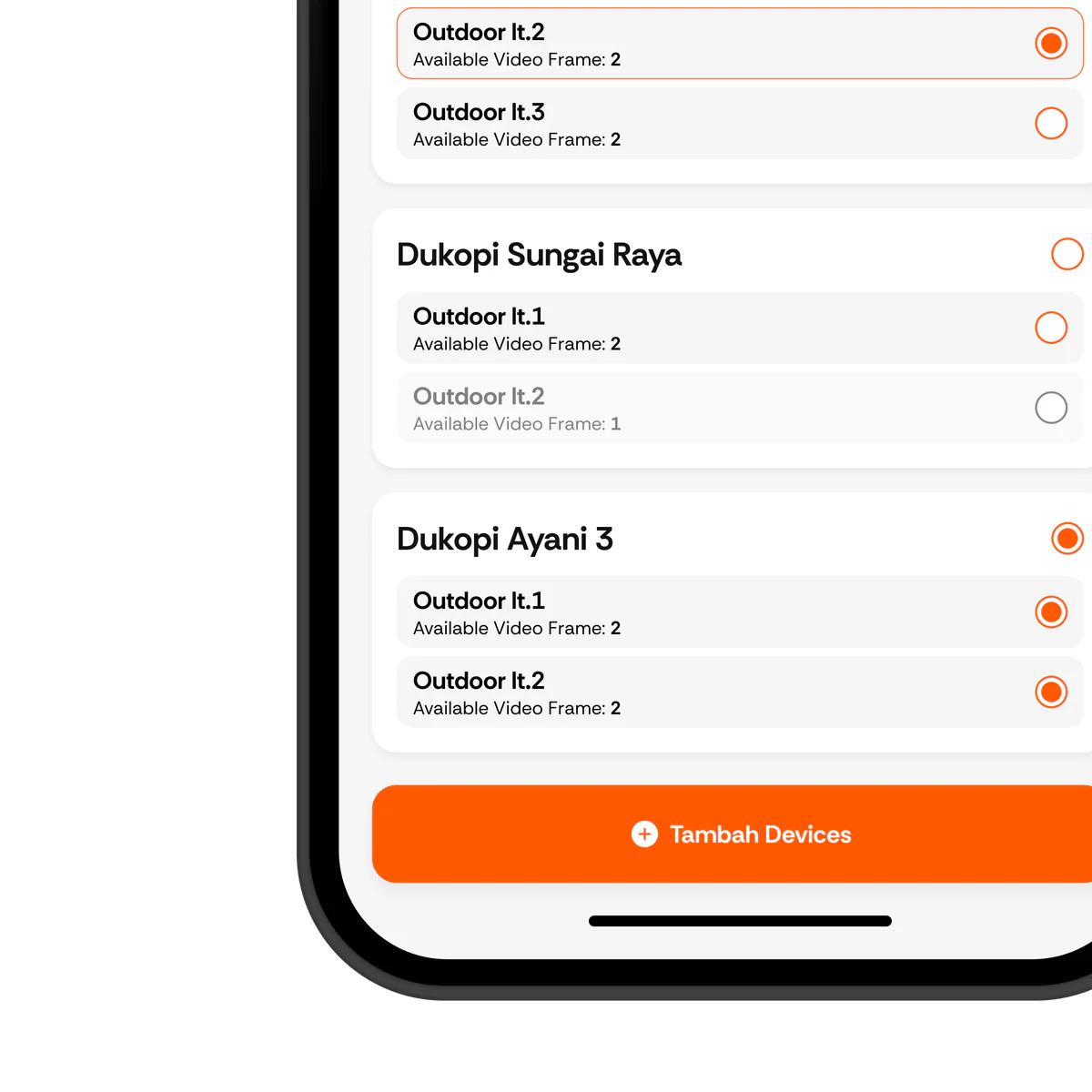
Send content to one outlet, selected areas, or your entire network.
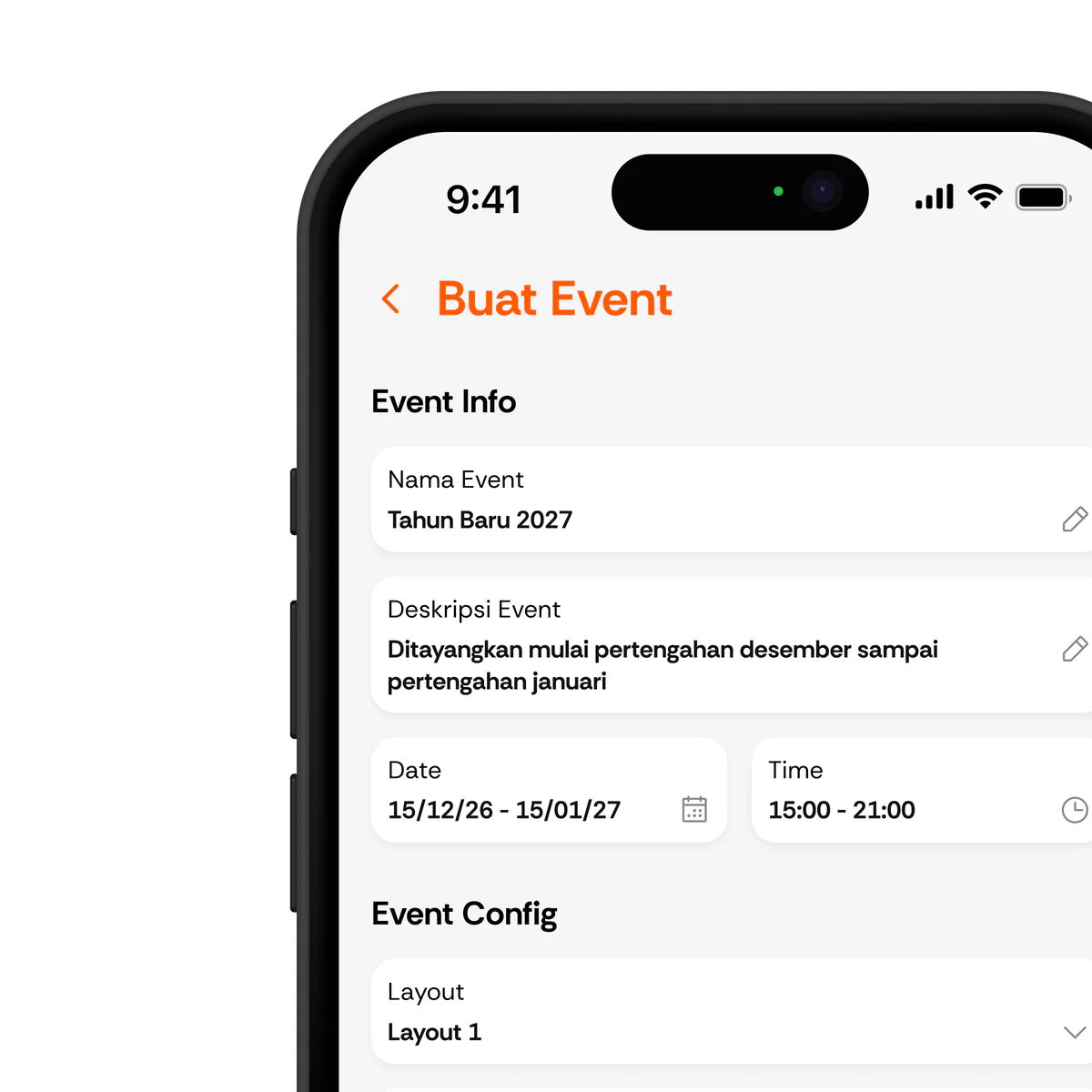
Set playback dates and times, playlist order, and screen layouts.
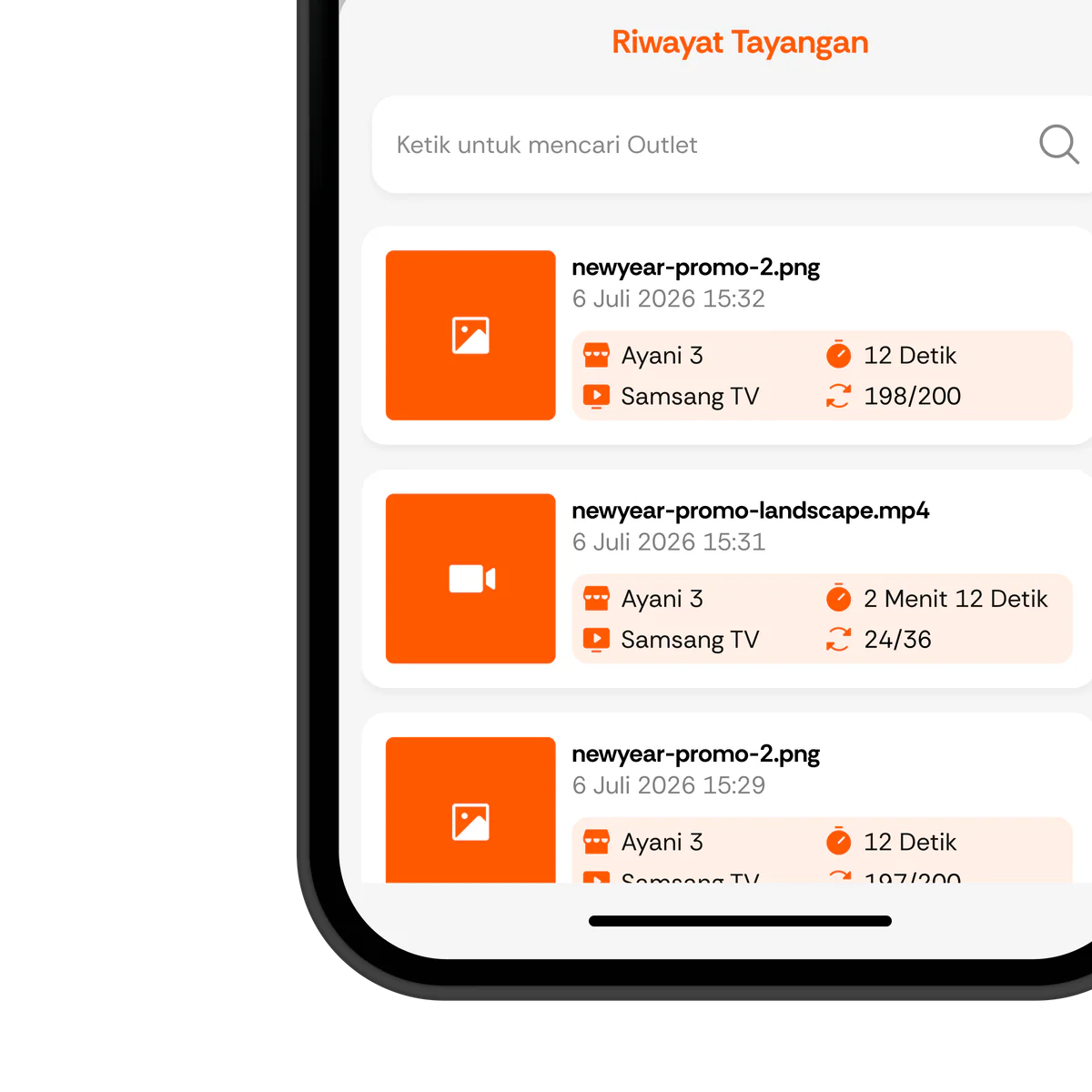
Monitor screen status and confirm that content played as scheduled.
Monitor Everything
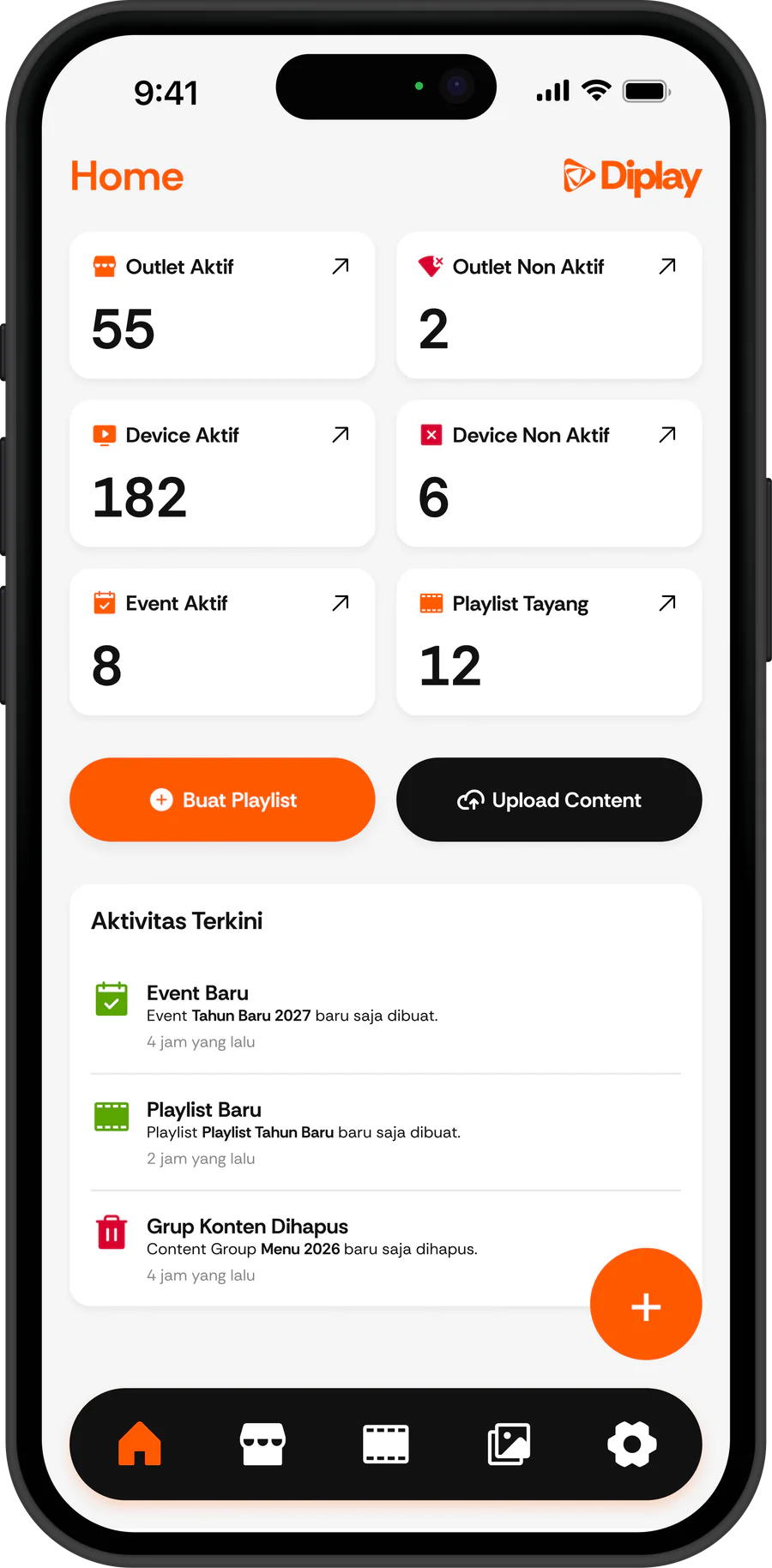
See active outlets, online devices, ongoing events, and playback activity.
See which outlets are online or offline in real time, along with their screen counts.
See ongoing events playing across multiple screens and outlets.
See how many times each playlist has played and which targets have been met.
Main Features
Diplay understands your need for a digital media ecosystem that is easy to control through a centralized system.
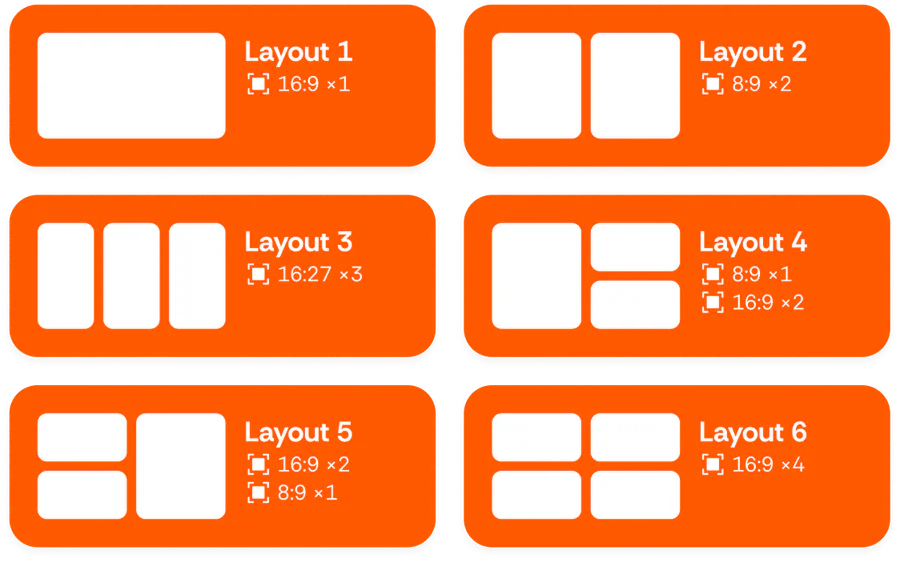
Arrange screens in 16:9, 8:9, or multi-zone layouts so every piece of content fits each outlet display.
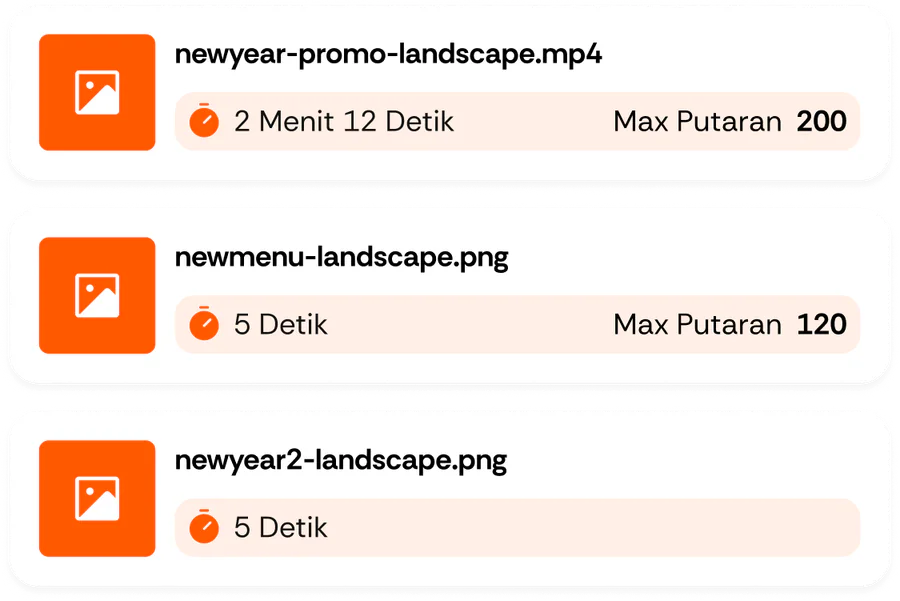
Set duration and rotation targets for each media item, then let the playlist calculate playback priority automatically.
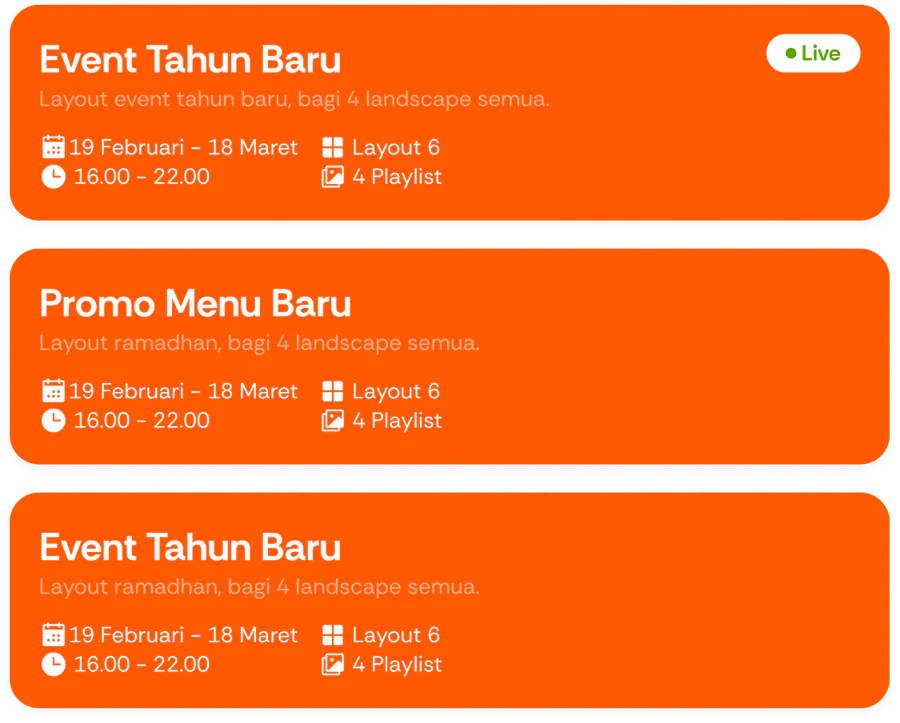
Run multiple promotional events with different schedules, layouts, and playlists across outlets and devices.
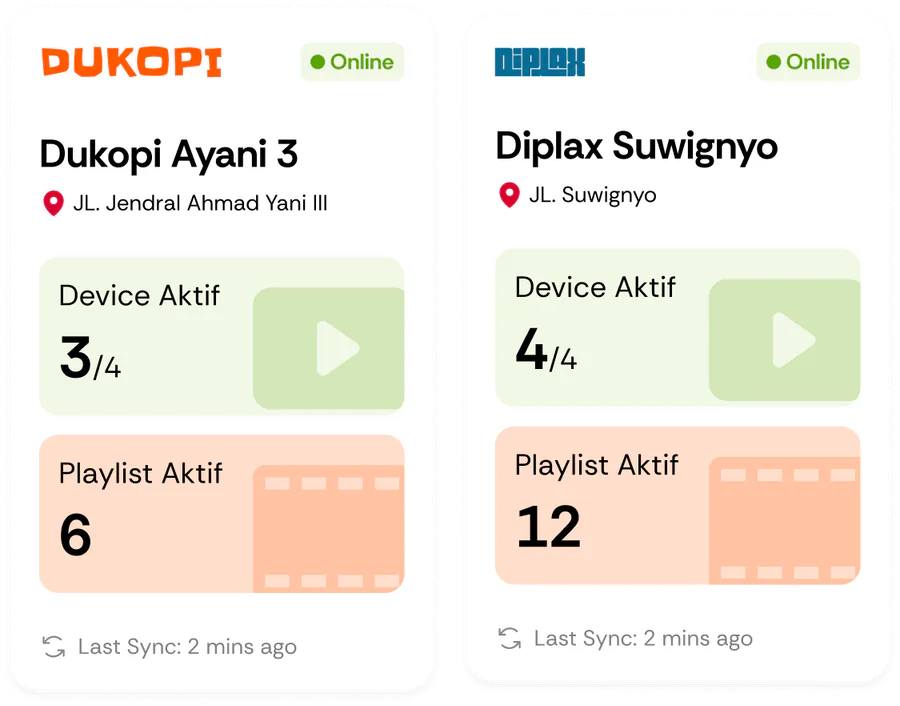
Manage multiple brands and outlets from one dashboard, complete with active device and playlist status.
All Screens, One Network
From menu launches to promotional events, control every screen at once without manual work at each branch.
Start Now
Make managing promotional screens across multiple locations feel as simple as posting on social media. Easy, fast, and accurate.